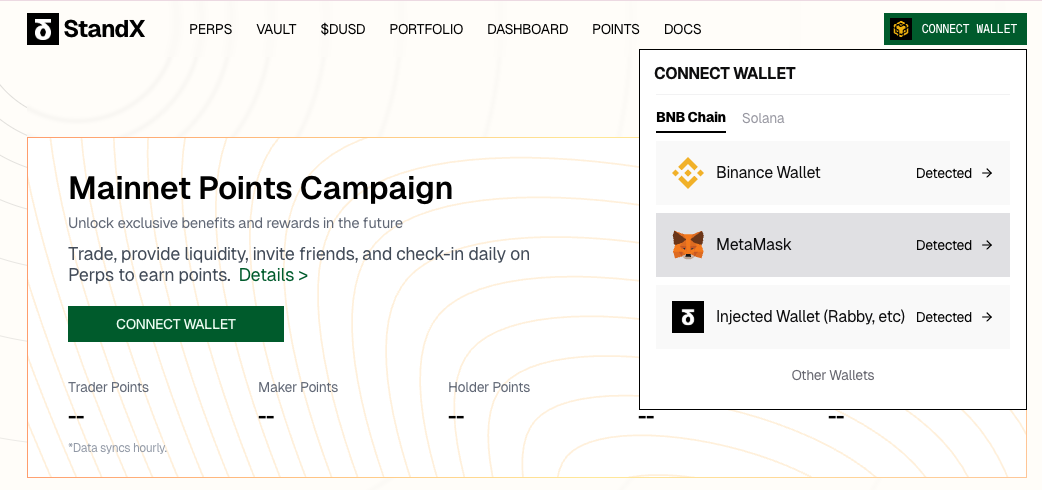
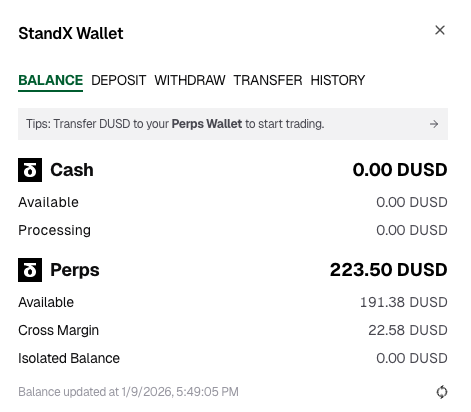
1. Go to the StandX Exchange page https://standx.com/referral?code=Gridy, click CONNECT WALLET, choose the wallet you want to use. ( Gridy does not support Solana Wallet, and make sure you have funding on StandX Perps account)
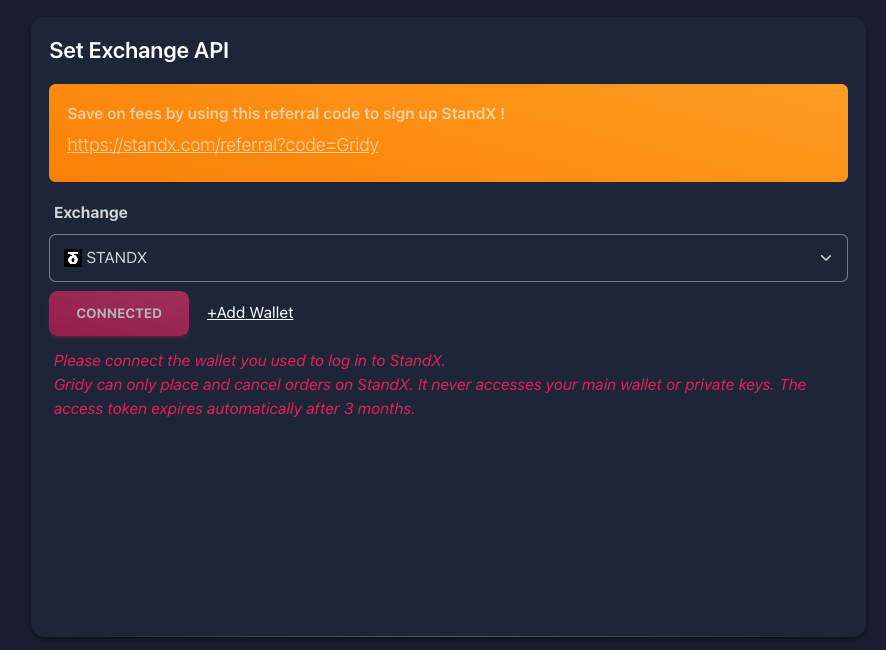
2. Go to Gridy Set Exchange API page. Click CONNECTED and approve access on your wallet. (There would be warning messages, that is because you approve access on StandX from Gridy.ai domain)
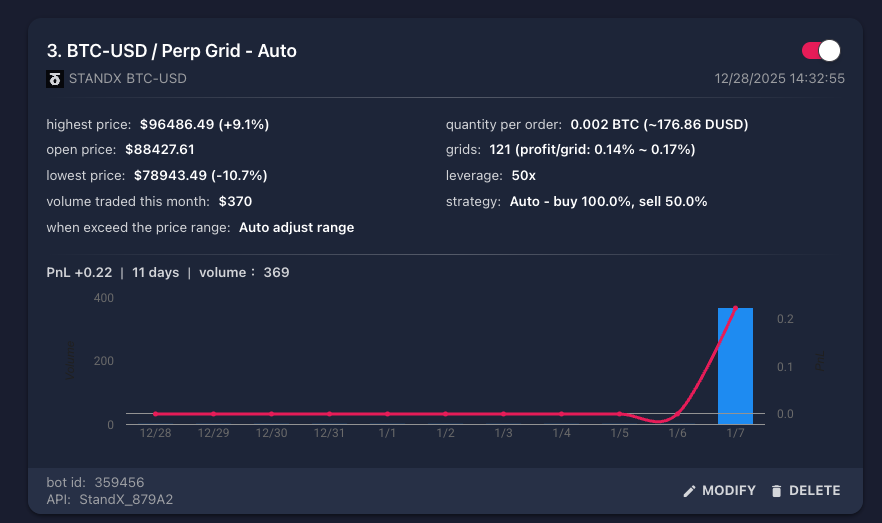
3. Setup StandX Grid Bot, go to https://www.gridy.ai/gridBot/listBots. Below is an example of grid bot setting.